COMPLIANCE
E-INVOICING
PEPPOL
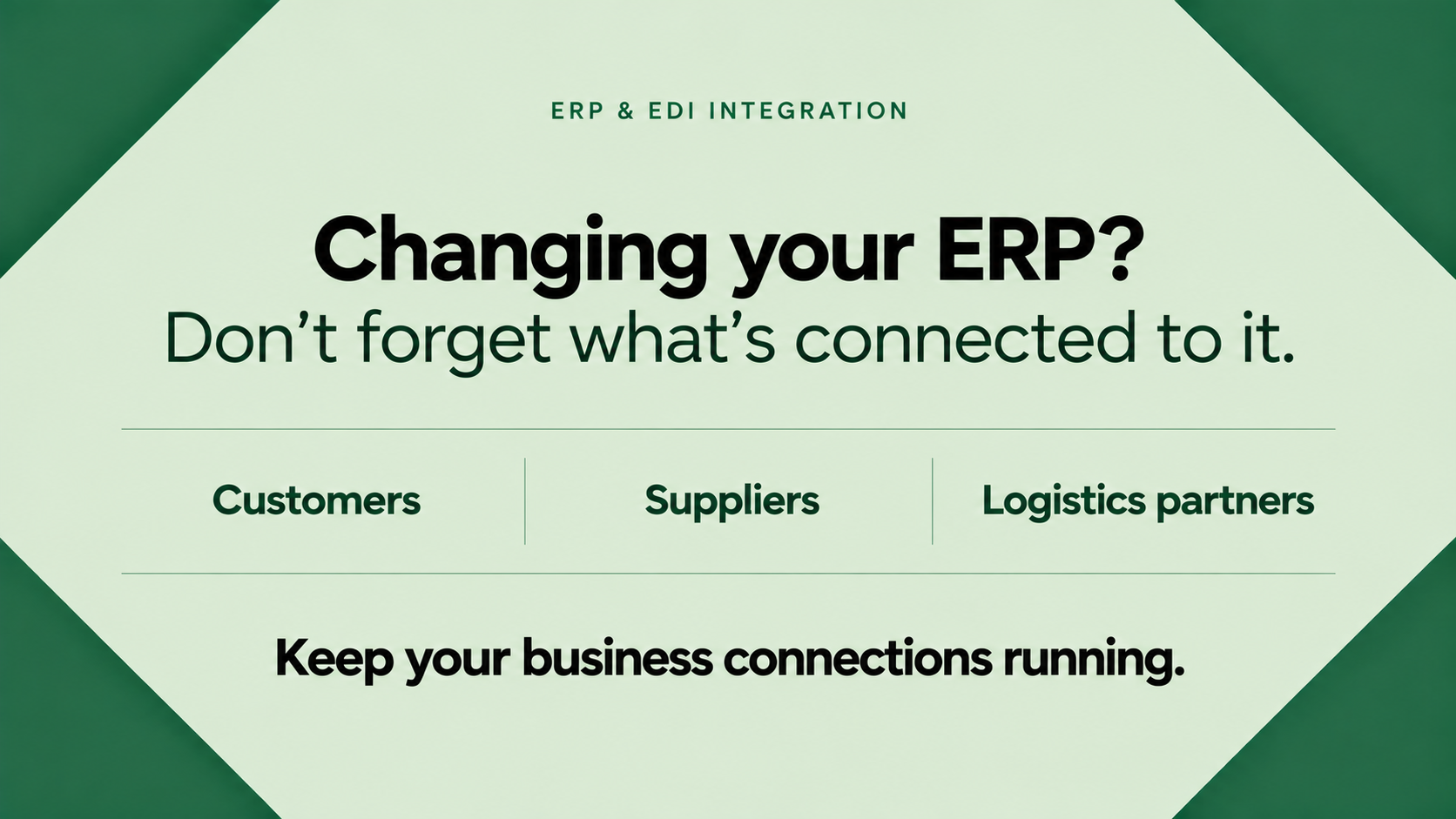

Changing an ERP system is a major undertaking for any business.
There are processes to review, data to migrate, employees to train, and countless decisions to make about how the new system should support everyday operations.
Naturally, much of the attention goes towards what happens inside the business.
Will the new ERP support our workflows? Can we transfer our existing data? Will our employees be able to work efficiently from day one?
But there's another question that deserves attention much earlier in the process: What happens to all the external systems that already depend on your ERP?
For businesses using EDI, those connections may include customers sending purchase orders, suppliers exchanging order confirmations, logistics partners receiving shipping information, and trading partners expecting electronic invoices.
These processes may have been running reliably for years. And precisely because they work, they can be easy to overlook during an ERP transition. That is, until the new system goes live.
An ERP system is often described as the backbone of a business. It connects important internal functions such as sales, purchasing, inventory, finance, and logistics.
But for many companies, the ERP also plays a central role in communicating with the outside world.
Through EDI integrations, information moves between the ERP and the systems used by customers, suppliers, and other trading partners.
An incoming purchase order might automatically create a sales order. An order response might communicate availability or delivery information back to the customer. A shipping notice might provide details about the goods being dispatched, while an electronic invoice completes another part of the transaction.
From an operational perspective, these exchanges are simply part of how business gets done, and that's exactly why they matter during an ERP change.
Even if your trading partners continue sending the same documents in the same formats, the new ERP may organise, validate, or process the underlying information differently.
The external requirements haven't necessarily changed.
But the system receiving and producing the information has.
Imagine a wholesaler that's exchanged EDI orders with several major customers for years.
The existing setup works well. Customer orders arrive automatically, product numbers are matched with internal records, and the information is passed into the ERP without anyone manually entering the order.
Now the wholesaler decides to replace its ERP.
The new system may use different field structures, customer references, or product identifiers. It may handle units of measurement differently or require information that wasn't mandatory in the previous system.
These differences might seem relatively minor when viewed individually, but they can affect how incoming EDI messages are interpreted and transformed into usable business documents.
A product identifier that matched correctly in the old ERP may no longer resolve to the right item. A customer-specific field may need to be mapped to a different location. Or an invoice generated by the new ERP may contain information in a structure that differs from what the EDI integration previously expected.
The result is that an EDI connection can remain technically active while the business process behind it no longer works as intended.
The message may still arrive, but that doesn't mean the new ERP can process it correctly.
This is why existing EDI integrations should be considered when planning an ERP transition, rather than treated as something to reconnect once everything else is finished.
Before changing an ERP system, it helps to establish a clear picture of the electronic document exchanges the business currently depends on.
That may sound straightforward, but EDI environments often develop gradually.
One customer initially requests electronic purchase orders. Another introduces order responses. A retailer later requires shipping notices with specific logistics information. Over time, additional suppliers, document types, and customer-specific requirements are added.
Years later, the business may have a substantial network of integrations that operate largely in the background.
The people managing the ERP project might not have been involved when those connections were established.
That creates a risk of underestimating how much external communication depends on the existing system.
A useful starting point is to identify which trading partners exchange documents electronically, which document types are involved, and how those transactions enter or leave the ERP.
It's also important to understand whether any integrations rely on custom fields, special validation rules, or business-specific mapping logic.
The purpose isn't necessarily to redesign everything - it's to make sure the requirements that already support daily operations are understood before changes are made.
One of the more challenging aspects of EDI testing is that there can be a difference between technical success and operational success.
A message might be received successfully by the EDI platform, transformed into the expected structure, and delivered to the ERP interface. But what happens next?
Does the ERP accept the information? Does it create the correct order? Are the customer details, product references, quantities, and delivery dates accurate?
And when the business sends information in the opposite direction, does the outgoing document contain what the trading partner expects?
These questions are particularly important when introducing a new ERP because the internal data structures and business rules may have changed.
Testing should therefore go beyond confirming that files can move between systems. It should establish whether the complete transaction works as intended.
For example, a test purchase order should result in the correct business document in the new ERP. An outgoing invoice should contain the required information and pass the relevant validation checks.
Depending on the document and trading partner, testing may also involve order responses, shipping notices, acknowledgements, and other parts of the process.
The objective is to confirm that the business can continue exchanging usable information, not simply that the technical connection is available.
An ERP change is an internal project, but its consequences can extend beyond your own organisation.
Customers and suppliers may have specific requirements for document content, testing, or changes to existing EDI arrangements.
Some trading partners may require formal testing before accepting transactions from a changed integration environment. Others may not need to change anything on their side if the existing external interface remains compatible.
The important thing is to not assume that every relationship will be unaffected.
Where relevant, trading partners should be involved early enough to allow time for testing and resolving unexpected issues.
This is especially important for businesses exchanging high volumes of transactions or working with customers that impose strict document requirements.
A problem discovered during testing can usually be investigated without interrupting live orders.
The same problem discovered after go-live may have immediate consequences for deliveries, invoicing or customer service.
ERP projects often focus heavily on the date when the new system becomes operational.
But for EDI, the transition between the old and new environments deserves particular attention.
At some point, incoming transactions need to reach the correct system, and outgoing documents need to be generated from the correct source. And that requires coordination.
What happens to purchase orders received shortly before the transition? Which ERP should process an order response or invoice relating to a transaction created in the old system? How will the business identify messages that need to be reprocessed if something fails?
There's no single approach that fits every ERP migration.
Some businesses may run systems in parallel for a period. Others may use a carefully planned cutover with a defined point at which transactions move to the new environment.
Whichever approach is chosen, the handling of EDI transactions should be part of the plan.
Otherwise, businesses risk creating gaps, duplicate documents, or uncertainty about which system contains the correct information.
A well-planned transition also needs a way to identify and investigate exceptions immediately after go-live, when unexpected differences between the old and new systems may become visible.
There's also some good news.
Changing an ERP doesn't necessarily mean starting from scratch with every customer and supplier connection.
If the EDI setup separates external trading partner requirements from the internal ERP integration, much of the existing communication infrastructure and document mapping may be reusable.
The work may primarily involve adapting how information is exchanged with the new ERP.
Exactly what can be retained depends on the existing architecture, the capabilities of the new system, and the requirements of individual trading partners.
But the distinction is important.
Your customers shouldn't necessarily need to change the way they send orders simply because your business has chosen a different ERP.
Ideally, the integration environment can accommodate changes to internal systems while maintaining the external document exchanges that trading partners already rely on.
This is one of the reasons a flexible EDI setup can provide long-term value beyond the initial implementation.
There's another point worth emphasising.
Although ERP migrations can create a need to review existing EDI integrations, implementing EDI isn't, in itself, a reason to replace an ERP system that otherwise meets your business needs.
Businesses sometimes assume that introducing automation or meeting new customer requirements means they need a more modern ERP.
But that isn't necessarily the case.
An EDI integration can often connect an existing ERP with customers and suppliers, translating structured business documents into formats the system can work with.
The possibilities depend on the ERP's available interfaces, data access, and integration capabilities, but a complete system replacement isn't automatically required.
That means businesses can often improve how information moves between organisations without undertaking a much larger ERP transformation.
And if an ERP replacement does become necessary for other business reasons, the same principle applies: the integration should support the business and its systems, rather than dictate which ERP the business must use.
An ERP migration involves many moving parts, and it's understandable that internal workflows receive most of the attention.
But customers don't stop placing orders while you change systems.
Suppliers still need information. Warehouses still need to process shipments. Invoices still need to reach the right recipients.
For businesses that depend on EDI, these external document exchanges are part of everyday operations, not an optional technical detail. That's why they deserve attention throughout the transition.
Understanding existing integrations, reviewing the impact of new data structures, testing complete transactions, and planning the cutover can help reduce the risk of unexpected interruptions.
At iEDI, we help businesses connect their ERP systems with customers and suppliers, accommodating different trading partner requirements, and the technical differences between systems.
Whether a business continues using its existing ERP or decides to replace it, the objective remains the same: reliable exchange of information without unnecessary manual work.
Because changing your ERP should help your business move forward – not interrupt the connections that keep it running.